
Every recipe in Recipe Notes can be shared with a link — the person you send it to doesn't need the app to view it.
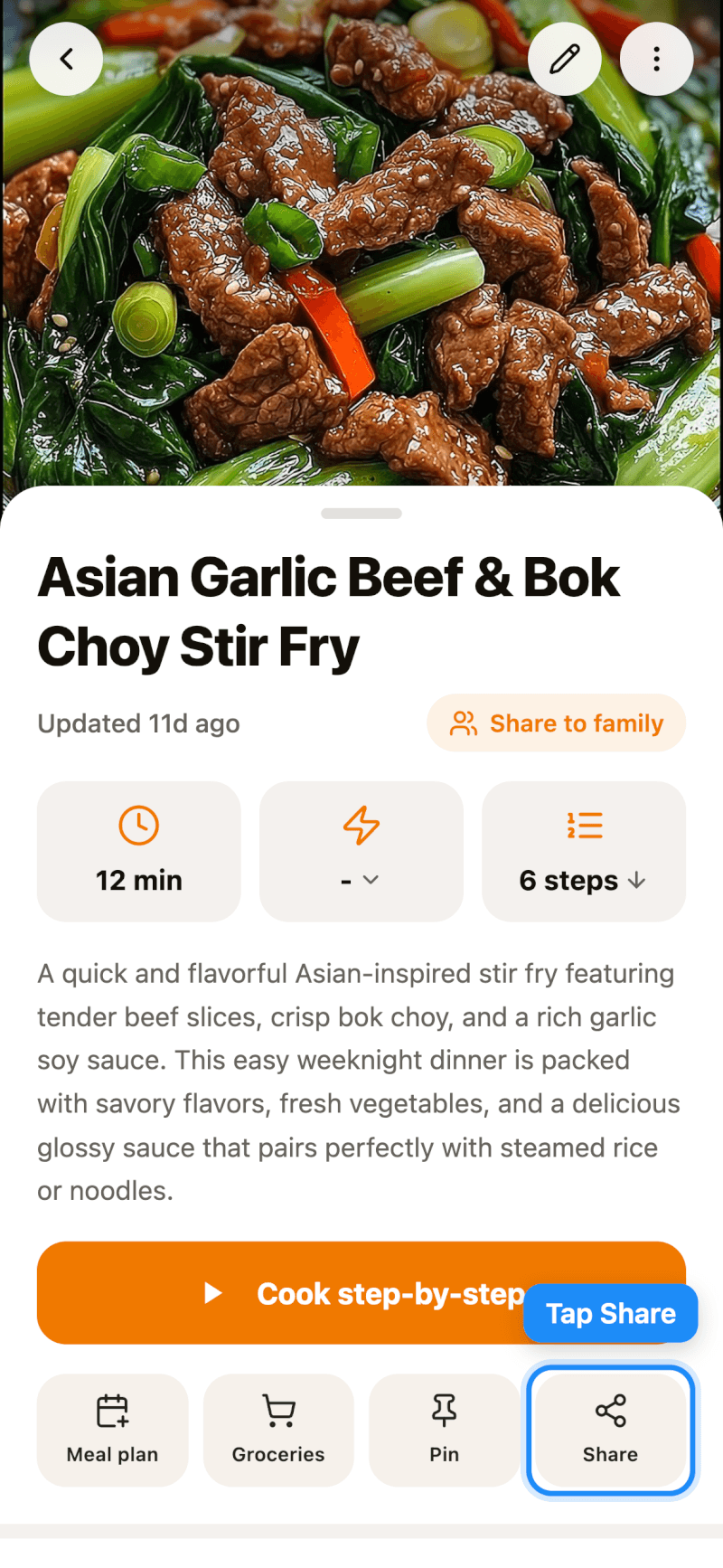
Step 1: Tap Share
Open the recipe and tap Share in the row of buttons below Cook step-by-step. On iPhone and iPad, you can also long-press a recipe in any list and tap Share.
Step 2: Send the Link
Recipe Notes creates a share link. What happens next depends on your device:
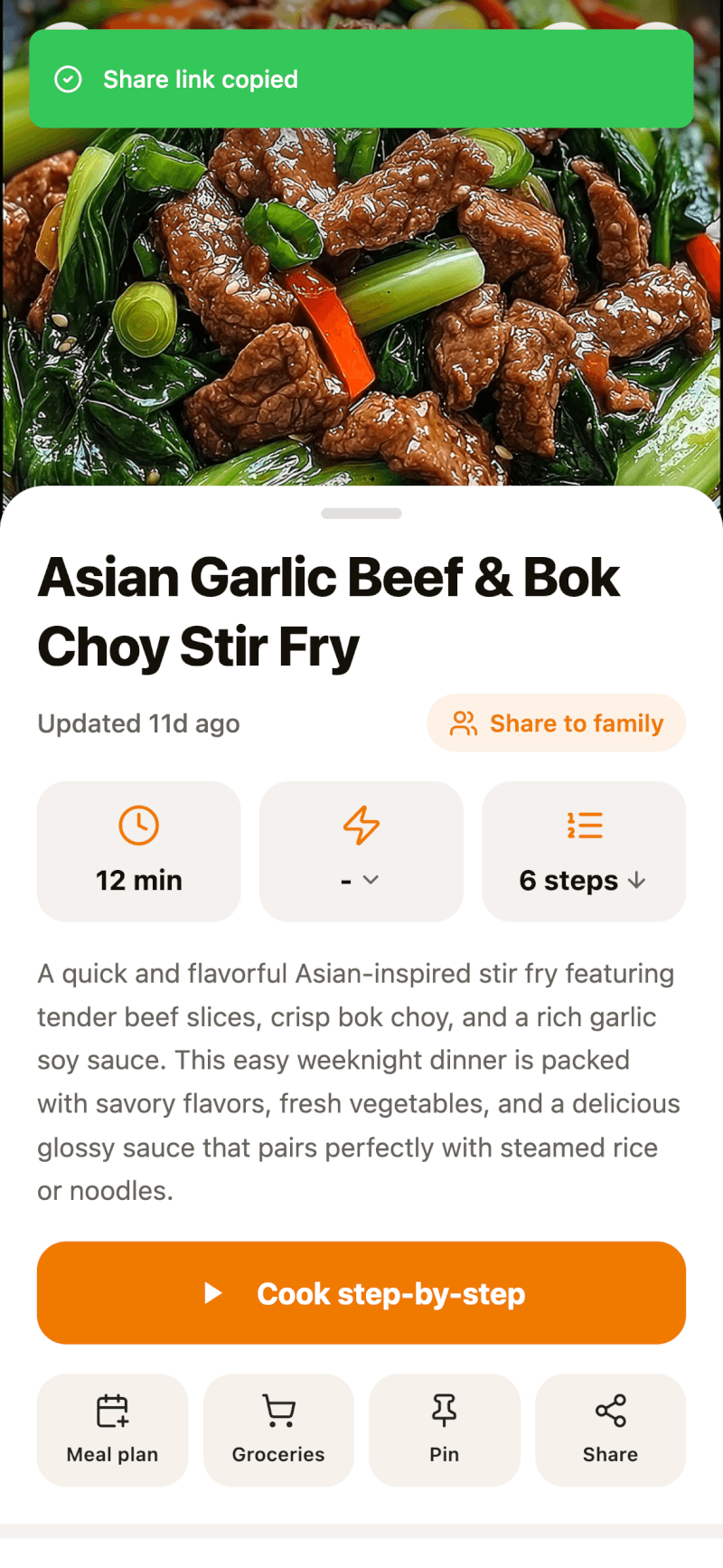
- iPhone and iPad: the link is copied to your clipboard (you'll see a Share link copied confirmation) and the share sheet opens, so you can send it through Messages, Mail, or any other app — or paste it later.
- Android: the share sheet opens so you can pick an app to send the link with.
- Web: the link is copied to your clipboard with a Share link copied confirmation. Paste it wherever you like.
Step 3: What Your Friends See
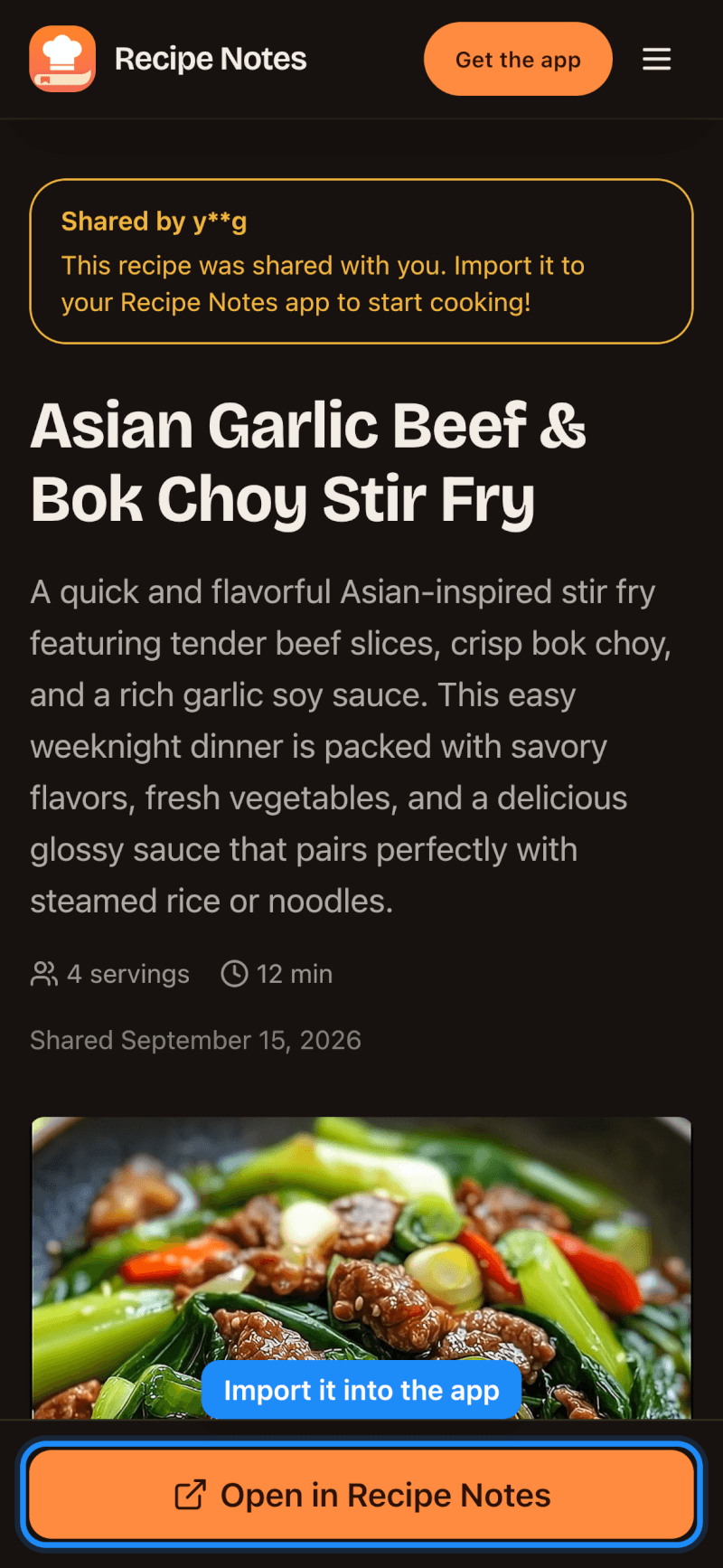
When someone opens your link, they'll see the full recipe in their browser. They can tap Open in Recipe Notes to save it to their own collection.
Good to Know
- Share links are valid for 7 days. Remind your friends to save the recipe before then.
- Sharing a link doesn't give anyone access to the rest of your collection — only the recipe you shared.
- Want your household to see your recipes automatically? Check out the Family plan.