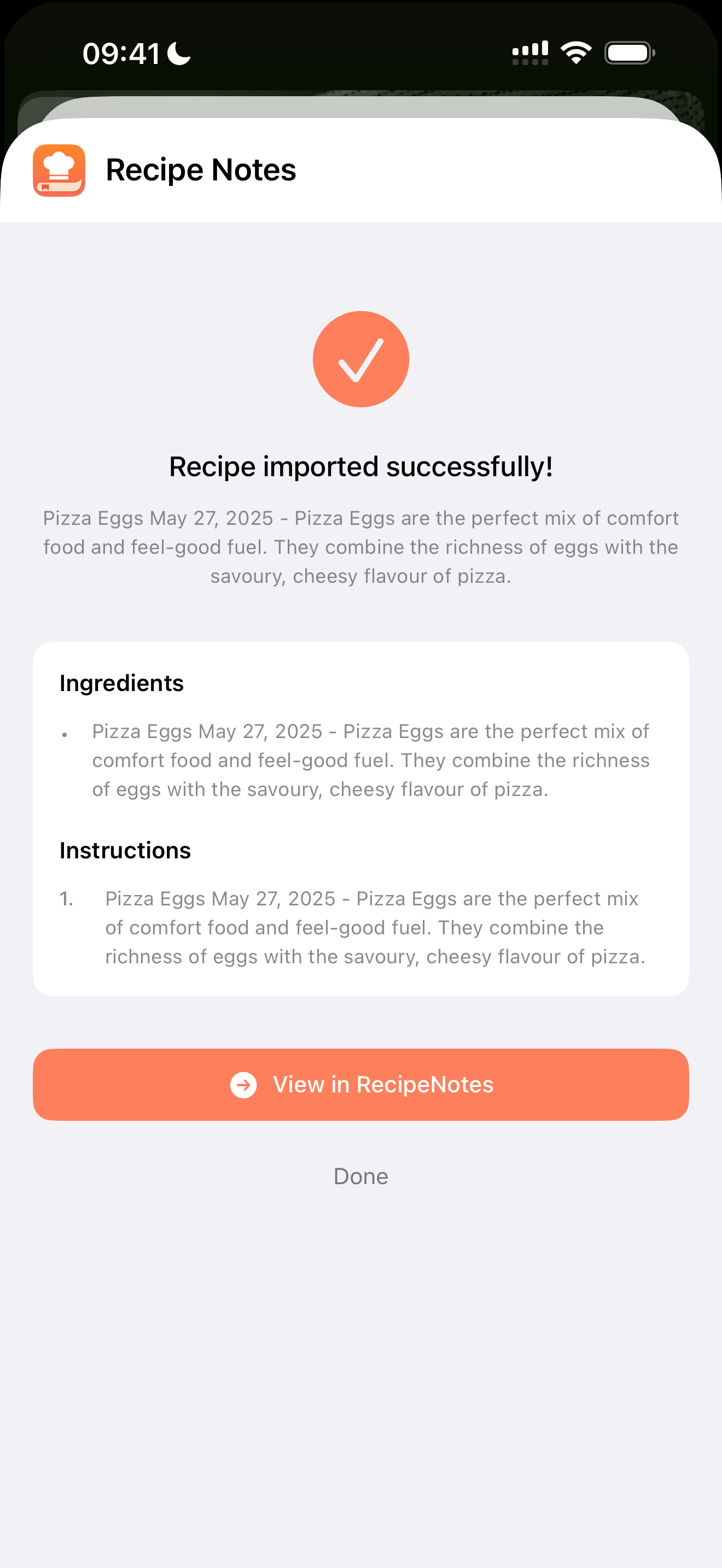
Step 1: Share the Video
See a recipe you want to try? Tap the Share button to get started.
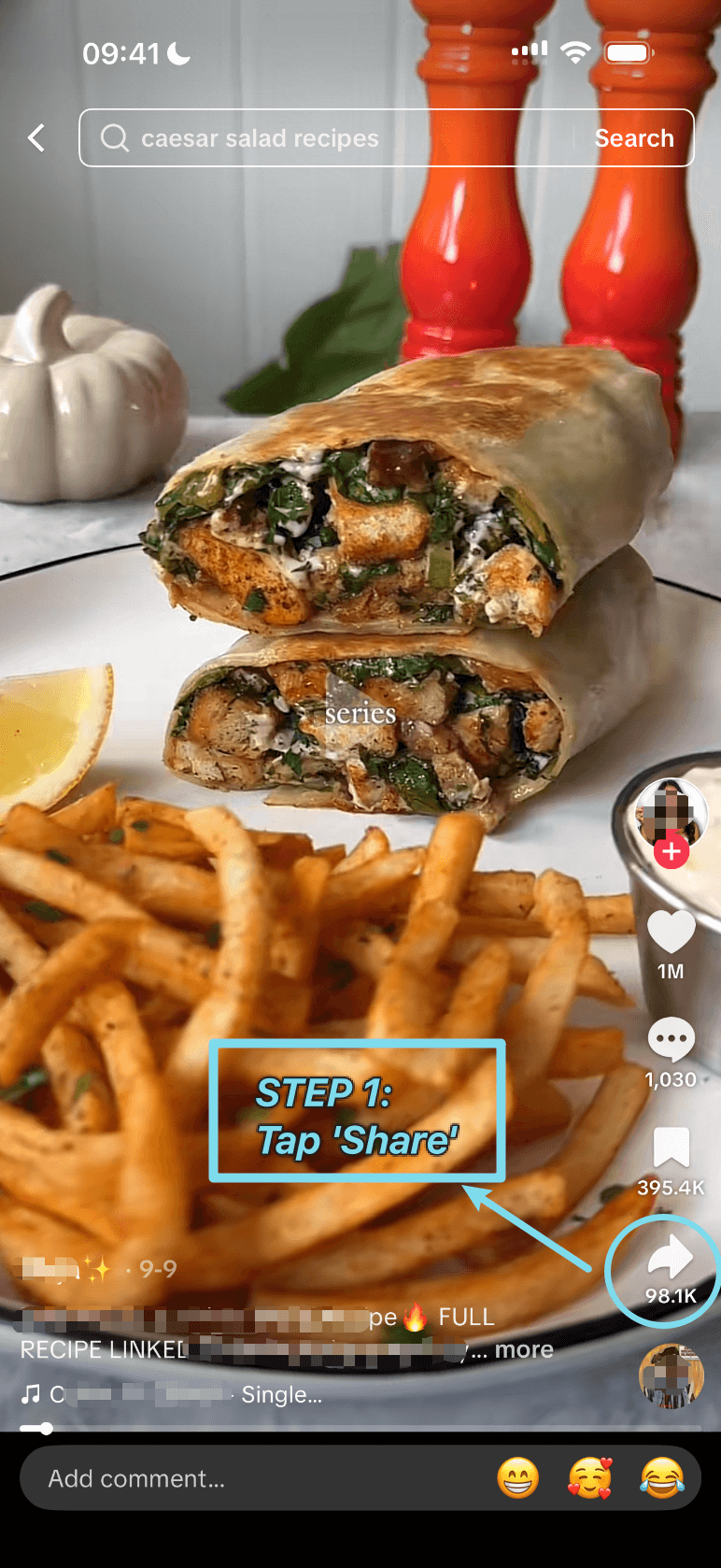
Step 2: Find More Options
Swipe through the share options and tap 'More' to reveal every app.
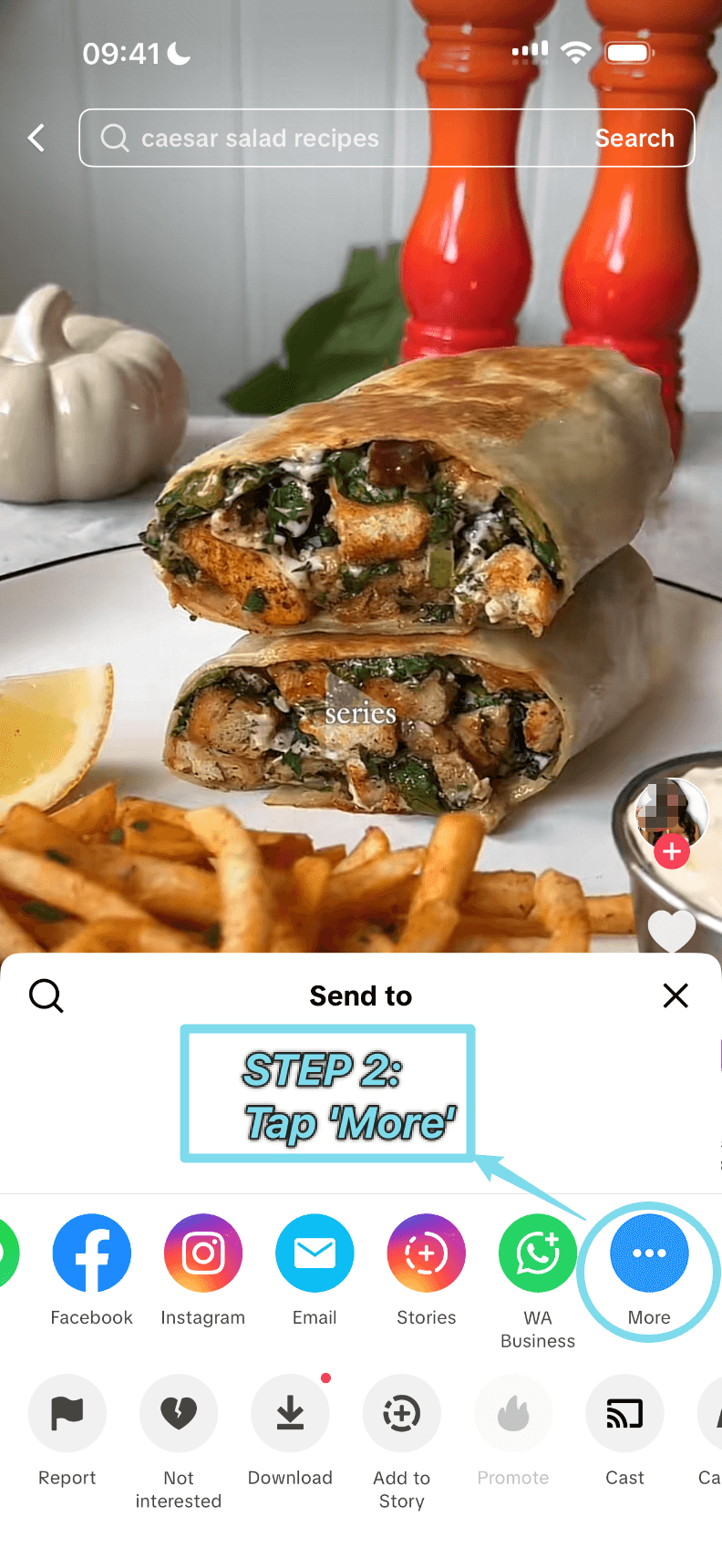
Step 3: Select Recipe Notes
Tap 'Recipe Notes'. If you don't see it yet, our shortcut guide can help you add it.
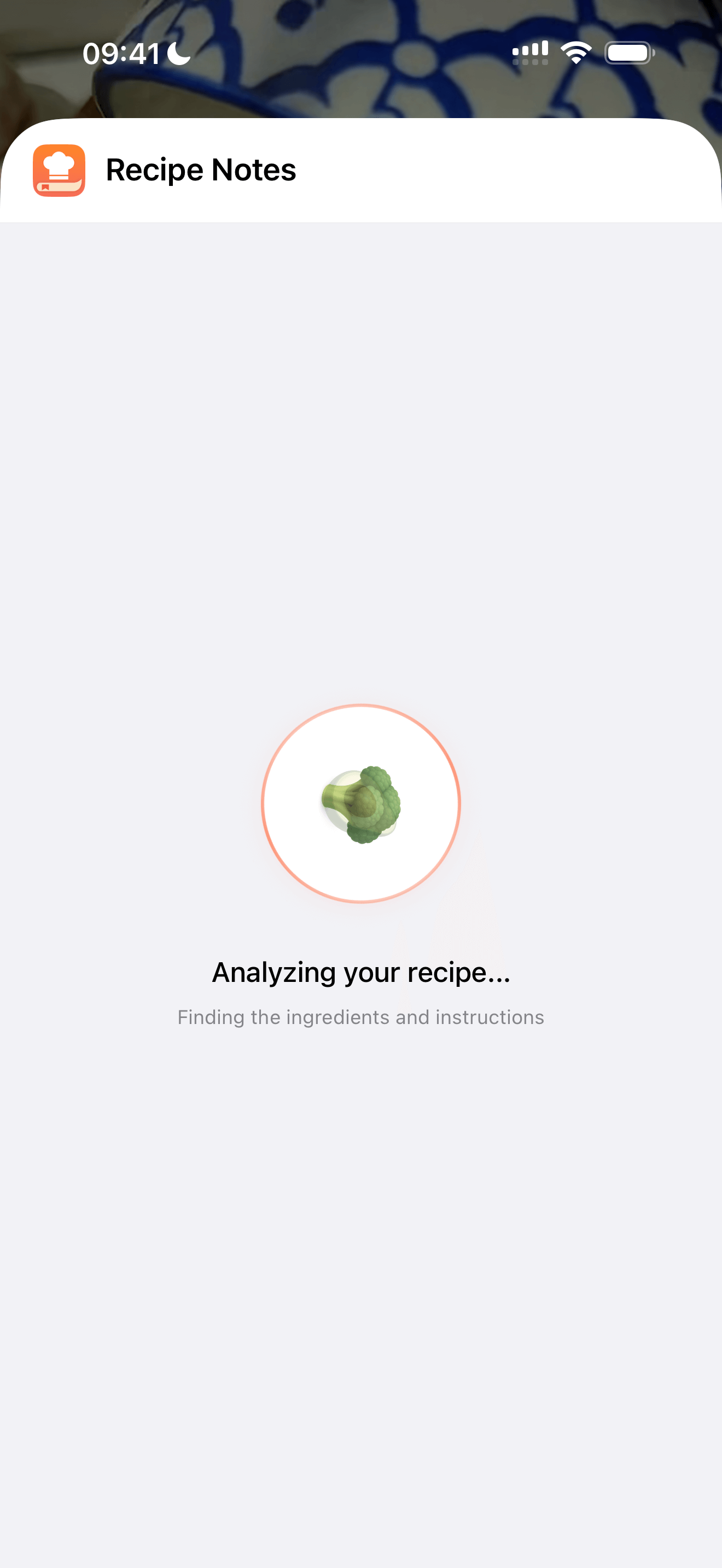
Step 4: Analyzing Recipe
Sit tight while Recipe Notes extracts the ingredients and instructions—this usually wraps up quickly.
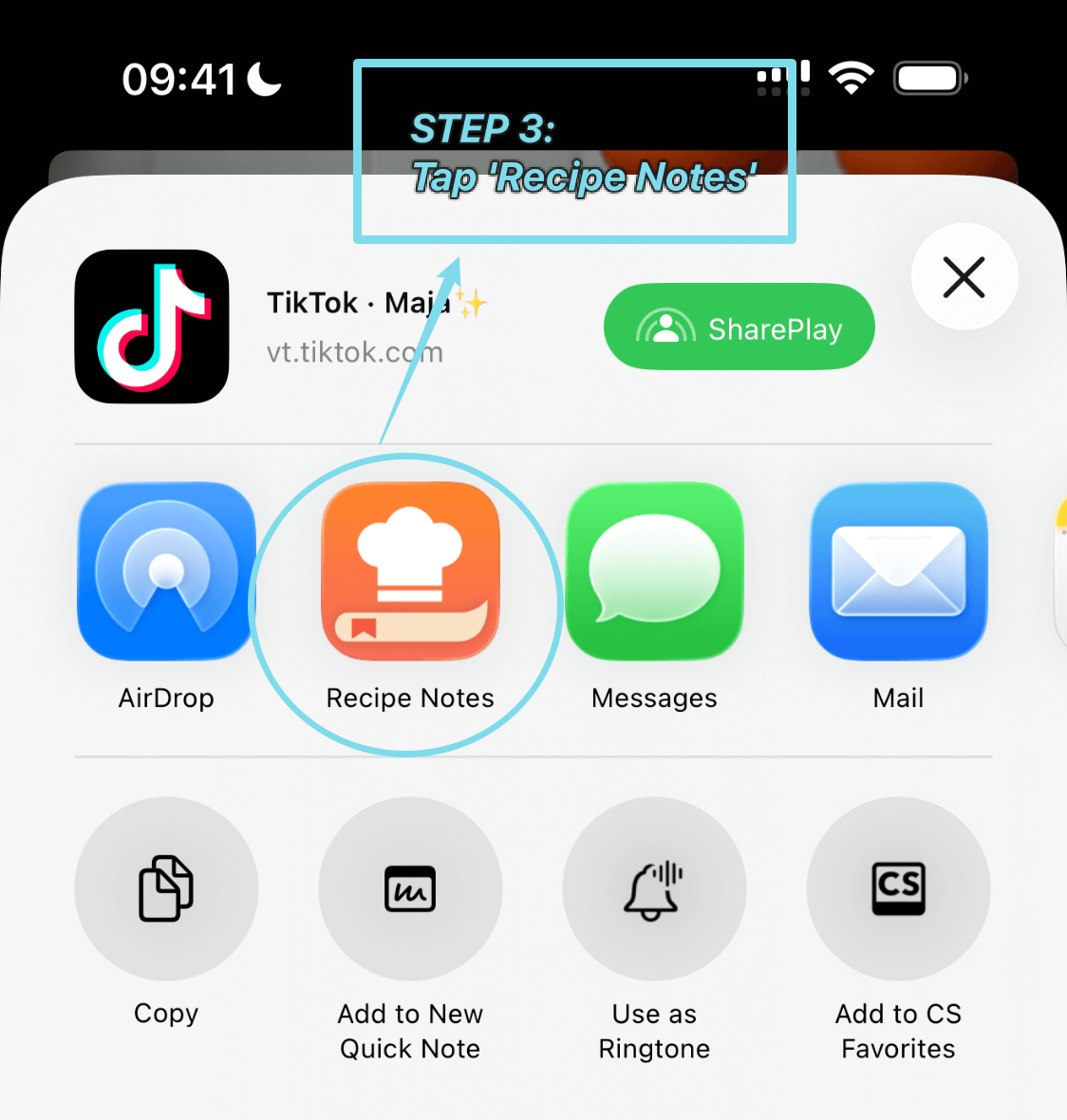
Step 5: All Done!
You're good to go! Close the screen or open Recipe Notes to check out your saved recipe.